Is a DigiLocker document legally valid? Where banks, airports and the passport office accept it
Reviewed by Confidential Dispatch Editorial Team · Updated 29 Oct 2026 · 6 min read
Yes, if it was issued into your DigiLocker by the department that created it. Those issued documents are treated as equal to the physical original. A scan you uploaded yourself is not: it’s just your own copy. In practice, banks accept issued documents for KYC, the passport office pulls them straight into your application, and airport security accepts Aadhaar, PAN and driving licence from the Issued Documents section. Carry a physical ID when travelling anyway, because a dead phone is a dead ID.
Educational resource only. This explains when a DigiLocker document counts as valid proof and where it is accepted, in line with the safe-handling ideas behind India’s Digital Personal Data Protection Act, 2023 (DPDP Act); it is not formal legal advice.
The situation
You’re at a bank counter, a passport appointment or an airport gate, and you’ve left the physical card at home. Your Aadhaar or driving licence is in DigiLocker on your phone. Whether the person in front of you has to accept it comes down to two things: how that document got into your DigiLocker, and which rule the place you’re standing in follows.
Issued or uploaded: the difference that decides it
DigiLocker holds two kinds of documents, and only one of them is proof of anything
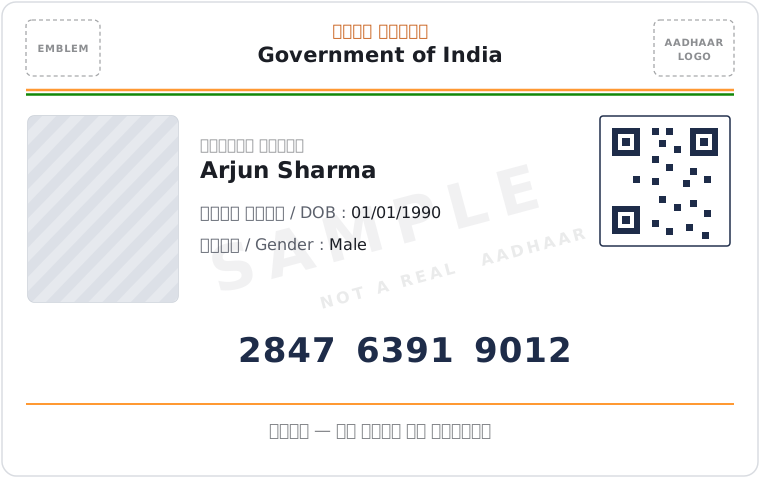
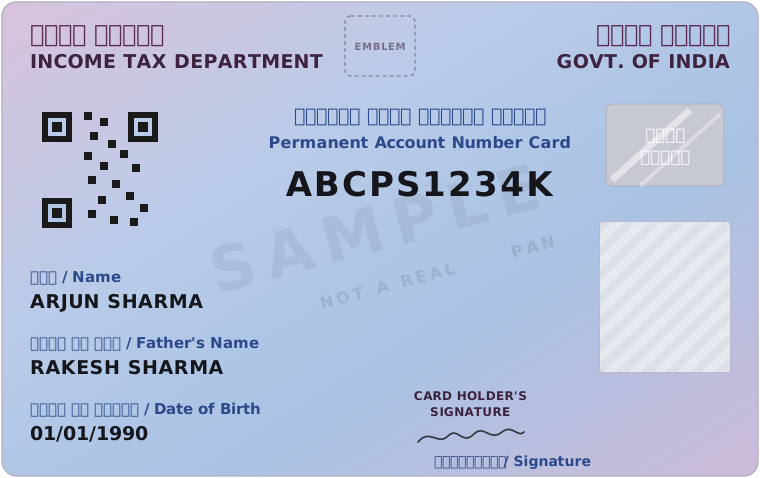
An issued document is sent to your account directly by the authority that created it: UIDAI for your Aadhaar, the Income Tax Department for your PAN, the transport department for your driving licence and vehicle registration, the Election Commission for your Voter ID. It arrives carrying that issuer’s digital signature, so anyone checking it can confirm it is genuine and unaltered.
An uploaded document is anything you scanned or photographed and added yourself: a property paper, an old certificate, a rent agreement. It sits in the same app, in the “Uploaded Documents” section right beside “Issued Documents”, and the two look equally official on screen. They are not. An uploaded file has been checked by nobody, which makes it exactly as valid as the same scan sitting in your email or your Google Drive.
What makes an issued document count as the original
A specific rule gives issued documents the same standing as the physical originals
In 2017 the government added Rule 9A to the Digital Locker rules made under the Information Technology Act, 2000. It says a document issued into DigiLocker is deemed to be at par with the original physical document. You’ll sometimes see this quoted online as “Section 9A of the IT Act”. There is no such section; the protection sits in the rule, and it covers issued documents only.
Being legally valid is not the same as being accepted everywhere, though. Each bank, office and checkpoint also follows its own regulator’s instructions about which documents it may take and in what form. That is why the answer changes depending on where you’re standing.
At the bank
Banks have the clearest basis for accepting an issued DigiLocker document
The Reserve Bank of India’s Know Your Customer (KYC) rules accept an “equivalent e-document”, meaning a digitally signed electronic version of an officially valid document, and they name documents issued into DigiLocker as one. So an issued Aadhaar, PAN or driving licence can stand in for the physical card when you open or update an account, in a branch or remotely. This is also part of what makes video KYC workable. A bank can still ask follow-up questions or extra verification if something in your case doesn’t match, the same as it could with a paper document.
At the passport office
Here DigiLocker is part of the application itself, not something you show at the counter
When you apply on Passport Seva, you can give the application access to your DigiLocker and pull supporting documents straight in: Aadhaar, PAN, driving licence, Voter ID and birth certificate among them. Passport Seva’s guidance is that you don’t need to bring the original of a document that was successfully shared this way. The word that matters is “successfully”. If a document fails to fetch, you upload a scan or carry the original instead, as you would have anyway.
At airport security
Airports accept DigiLocker too, but for fewer documents
An addendum to the Bureau of Civil Aviation Security’s (BCAS) aviation-security circular, dated 27 Oct 2018, allows passengers to show Aadhaar, PAN or driving licence from DigiLocker’s Issued Documents section as photo ID at the entry gate. It also says plainly that documents you uploaded yourself don’t count. Indian Railways accepts Aadhaar and driving licence from DigiLocker on the same basis. If your Voter ID or another document is turned away at the gate, the staff are following the rule, not breaking it.
Digi Yatra, the face-scan boarding system at some airports, is a separate system with its own registration. It doesn’t use your DigiLocker documents.
How to show a DigiLocker document so it counts
Open the live document in the app, from Issued Documents, every time
- Open DigiLocker and go to Issued DocumentsNot Uploaded Documents and not your phone’s downloads folder.
- Show the document on screen in the appDon’t show a screenshot or a downloaded PDF. A screenshot is a flat image that can be cropped or edited, and it drops the digital signature that makes the document checkable.
- Check the details before you need themIf your name or date of birth differs between Aadhaar and the issuing department’s records, the fetch can fail. Fix the mismatch with that department, not at the counter.
- Carry one physical ID when travelling or for anything time-boundAn issued document is only useful if your phone has charge and a signal.
- If a bank or the passport office turns down an issued documentAsk which instruction the refusal rests on. Both have a written basis for accepting it.
FAQ
Is a DigiLocker document the same as the original?
An issued one is. Rule 9A of the Digital Locker rules treats it as equal to the physical original. A document you uploaded yourself is only your own copy.
Is there a “Section 9A of the IT Act” for DigiLocker?
No. That citation is a common mix-up. The rule that gives DigiLocker documents their standing is Rule 9A of the Digital Locker rules, made under the Information Technology Act, 2000, not a section of the Act itself.
Do I need to carry my physical Aadhaar if it’s in DigiLocker?
For a bank or a passport application, usually not, since an issued Aadhaar is accepted. At an airport it is accepted too, from the Issued Documents section, but carry a physical ID as backup in case your phone dies or there’s no network.
Which DigiLocker documents work at airport security?
Aadhaar, PAN and driving licence, shown from Issued Documents in the app. Other documents, and anything you uploaded yourself, aren’t covered by the aviation-security circular.
Can I show a screenshot of my DigiLocker document?
Avoid it. A screenshot is just an image anyone could have edited, and it carries none of the digital signature that lets an official confirm the document came from the issuer.

Every article is checked against the current law and the judgments it cites before it is published.
Updated 29 October 2026 · Not legal advice.